

Sketch simple outlines, pick a theme, format pages, then publish or print.
If you want to know how to create a coloring book that looks clean, sells well, and delights users, you are in the right place. I have designed and shipped coloring books for kids and adults, and I will share what works in real life.
This step-by-step guide covers concept, tools, art, layout, print, and marketing. You will learn how to create a coloring book with confidence, from idea to launch.

Plan your concept and audience
The first step in how to create a coloring book is to choose a clear niche. Define who the book is for and why they will enjoy it. Pick one audience: preschoolers, grade-school kids, teens, adults, or seniors. Match the line weight and detail to their skill and needs.
Use a tight theme. Animals, mandalas, flowers, travel, affirmations, sports, or careers all work well. A theme helps search and gives a strong cover message. Plan 30 to 60 pages. Aim for a single skill level per book.
Test demand. Search stores for similar books. Note gaps and reviews. Look for complaints you can fix. This is how to create a coloring book that stands out at first glance.

Choose tools and software
You can draw on paper or on a tablet. Both work when you know how to create a coloring book that prints clean. For vector art, use Adobe Illustrator or Inkscape. For raster art, use Procreate, Photoshop, or Krita. Vector lines scale well. Raster lines need high resolution.
Set your canvas at 300 dpi or higher. I like 600 dpi for crisp ink lines. Use a hard round brush for clean edges. If you draw on paper, ink in black, then scan at 600 dpi in grayscale. Avoid pencil shading. It muddies the page.
Organize files. Keep a folder for sketches, inks, finals, and exports. Name files with page numbers. This small habit saves hours later in how to create a coloring book.
Design rules for clean coloring pages
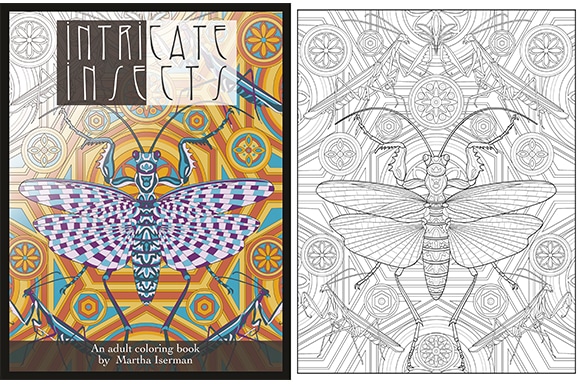
Strong line art prints well and is easy to color. If you want to know how to create a coloring book that users love, keep these rules in mind.
- Use steady line weight. At 8.5 x 11 inches, a 1 to 2 pt line prints well.
- Keep shapes closed. Gaps let color bleed into other areas.
- Avoid heavy fills or dense hatching. Leave white space for colors.
- Limit tiny details for kids. Use larger shapes and clear outlines.
- Test print on normal paper. Check that lines do not look faint or fuzzy.
Use 100% black (K) for lines. Avoid rich black mixes. Expand strokes to shapes if you work in vector. This cuts print errors and is key in how to create a coloring book for print-on-demand.
Step-by-step workflow: how to create a coloring book
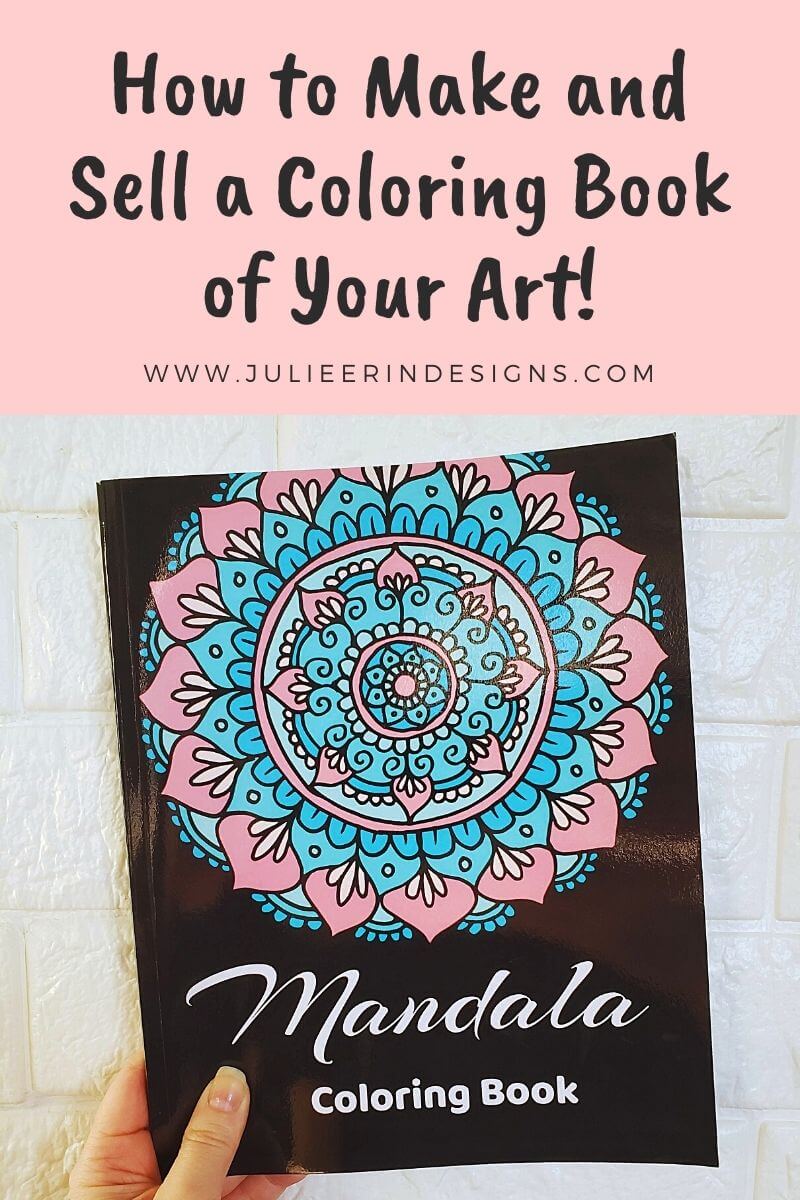
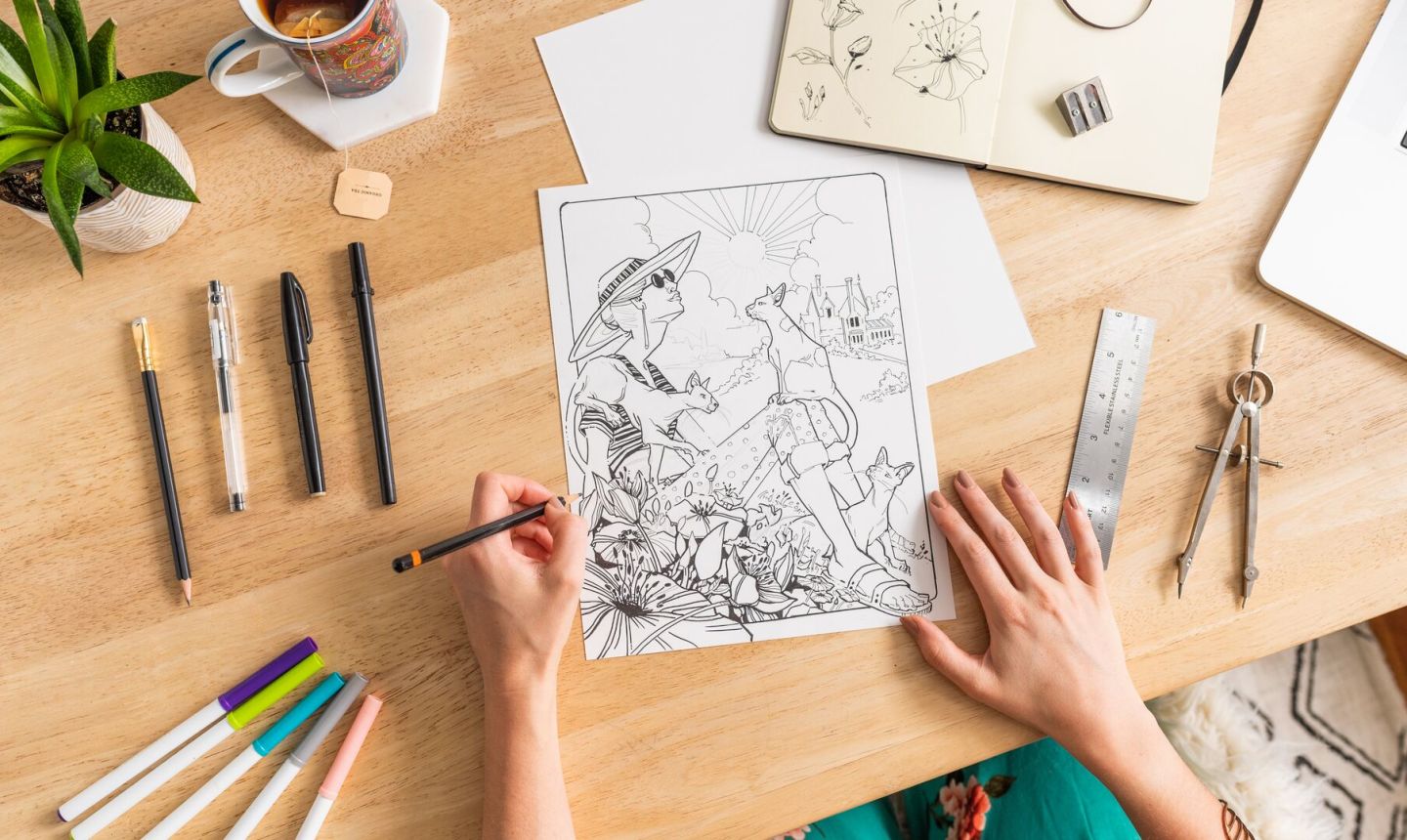
Follow this simple path. It is the same plan I use in my studio. It works if you want to know how to create a coloring book fast and well.
- Define the theme and audience. Write a one-line promise for the book.
- Brainstorm 60 ideas. Pick the best 40. Cut weak or duplicate pages.
- Sketch thumbnails for layout and difficulty.
- Ink clean line art. Keep line weight and style consistent.
- Digitize or export at 300 to 600 dpi in grayscale.
- Clean in software. Remove dust, fix gaps, and even out lines.
- Add page numbers only if needed. Many coloring books skip them.
- Build the interior in a layout tool. Use Adobe InDesign, Affinity Publisher, or Canva.
- Set trim size and bleed. Many books use 8.5 x 11 inches with 0.125 inch bleed.
- Add front matter: title page, credits, and a how-to-color tip page.
- Add back matter: about the artist, social links, and a next-book teaser.
- Export print-ready PDF. Order a proof. Mark changes. Repeat once.
This is a reliable, low-stress way in how to create a coloring book that looks pro.
Sourcing art and legal basics
Many ask how to create a coloring book with licensed or public art. Be careful with rights. Use work you drew, work you bought with the right license, or public domain art. Check the license. Some stock sites ban print-on-demand. Keep receipts.
If you trace or adapt, your result must be original. Avoid famous brands, characters, logos, or protected designs. If you include people, make sure you have the right to use their likeness. When using AI tools, confirm rights and terms. Keep a log of prompts and files. This is part of how to create a coloring book that is safe to sell.
Format for print and digital
Print specs make or break quality. If you want to master how to create a coloring book that prints clean, follow these settings.
- Trim size: 8.5 x 11 inches is common. 8 x 10 inches also works.
- Bleed: 0.125 inch on all sides if art touches the edge.
- Margins: at least 0.375 inch outside. Use more for coil binding.
- Single-sided pages: reduce marker bleed-through. Add a simple pattern or quote on the back if you want.
- Color mode: grayscale for interiors. Use 100% K lines.
- Export: PDF/X-1a or a high-quality PDF with fonts embedded.
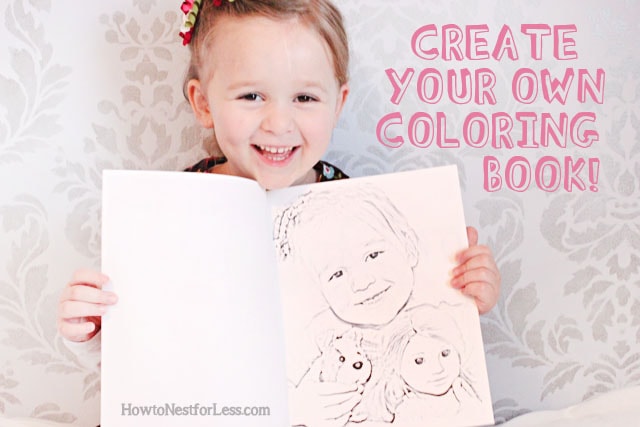
For digital, export printables as high-res PDFs. Offer a license for personal use. This is smart practice in how to create a coloring book for Etsy or your site.
Source: howtonestforless.com
Publish and distribute
There are many paths in how to create a coloring book and bring it to buyers. Print-on-demand is simple and low risk. You upload the PDF and cover, then set the price.
- Amazon KDP: wide reach, 60% royalty on list price minus print cost.
- IngramSpark: broad bookstore access and libraries.
- Lulu and Barnes & Noble Press: extra channels.
- Etsy or your site: sell printables and bundles.
- Gumroad or Shopify: direct sales with email capture.
Order a proof copy. Check paper feel, line clarity, and page flow. Fix errors before you go live. A clean launch is part of how to create a coloring book that builds trust.
Marketing and SEO for lasting sales
Learn how to create a coloring book that gets found. Use keyword research to target buyer intent. Include the main keyword in the subtitle, description, and backend tags. Keep it natural and clear.
Make a strong cover. Big title. Clear art. High contrast. Show the theme in one look. Add a page preview on your product page. Share a free sample page to grow your list. Post time-lapse inking clips on social media. Partner with teachers, therapists, or crafters. These simple steps help how to create a coloring book that ranks and sells.

Pricing, costs, and profit
Think in simple terms. List price minus retailer share minus print cost equals your royalty. On KDP paperbacks, you earn 60% of the list price, then pay the print cost. Higher page counts raise costs, so balance detail with margin.
Study nearby price points. Adult books often sit a bit higher than kids’ books. Test prices and watch sales. This data-led habit is key in how to create a coloring book business that lasts.
Common mistakes and quick fixes
If you want to learn how to create a coloring book without missteps, avoid these traps.
- Lines too thin. Fix: increase stroke and test print.
- Overcrowded pages. Fix: add white space and larger shapes.
- No bleed set. Fix: add 0.125 inch bleed and re-export.
- Weak cover. Fix: clear title, bold art, strong contrast.
- Vague niche. Fix: pick one audience and solve one need well.
I learned to run a test print after five pages, not at the end. This simple check has saved me from redoing full books.
Tools, templates, and workflow checklist
Here is a quick toolkit to speed up how to create a coloring book.
- Drawing tools: Procreate, Illustrator, Affinity Designer, Inkscape, Photoshop, Krita.
- Layout: InDesign, Affinity Publisher, Canva.
- Assets: brush packs for clean ink, vector pattern sets for backgrounds.
- Proofing: home laser or inkjet, plus a print-on-demand proof.
- File storage: cloud backup and version control.
Fast checklist:
- Choose theme and audience
- Plan page list
- Sketch and ink
- Digitize and clean lines
- Build interior and cover
- Export and proof
- Publish and market
Frequently Asked Questions of how to create a coloring book
What size should my coloring book be?
Most creators use 8.5 x 11 inches or 8 x 10 inches. These sizes are easy to print and give enough room for details.
Should pages be single-sided or double-sided?
Single-sided pages are best. They reduce marker bleed-through and let users remove pages to frame.
What resolution do I need for print?
Export at 300 dpi or higher. For line art, 600 dpi gives very crisp edges and safer results.
Do I need an ISBN for a coloring book?
You do not need an ISBN for some platforms. It helps with broader distribution, but check the rules of your chosen store.
How many pages should I include?
Aim for 30 to 60 interior pages. Keep the level of detail consistent so buyers know what to expect.
Can I use AI art in my coloring book?
You can if the platform allows it and you own the rights. Review the terms and keep records of your process.
What paper type is best?
Uncoated white paper works well for pencils and crayons. Heavier paper resists marker bleed but can raise print costs.
Conclusion
You now know how to create a coloring book from idea to sale. Start with a clear niche, draw clean lines, format with care, and test early. A focused theme, a strong cover, and simple SEO can carry your book far.
Pick one project today. Sketch three pages, run a test print, and share a teaser. If this guide helped, subscribe for more tips, or leave a comment with your theme idea.